How to rank blog on Google without backlinks (Proven Strategy) in 2026
Introduction
You have probably heard it a hundred times: “You need backlinks to rank on Google.” And yes, backlinks help. But here is the truth nobody talks about enough: you can absolutely learn how to rank your blog on Google without backlinks, especially when you are just getting started.
I have seen brand new blogs hit page one without a single external link pointing to them. The secret is not some loophole. It is a solid combination of smart keyword research, well-structured content, and strong on-page SEO.
In this article, you will learn exactly how to rank blog on Google without backlinks a single backlink. You will discover how to pick the right keywords, structure your content for search intent, use on-page SEO properly, and build topical authority that makes Google trust your blog over time. Let us get into it.
Why Backlinks Are Not Always Necessary
Backlinks are a trust signal. Google uses them to understand how credible a site is. But they are not the only trust signal.
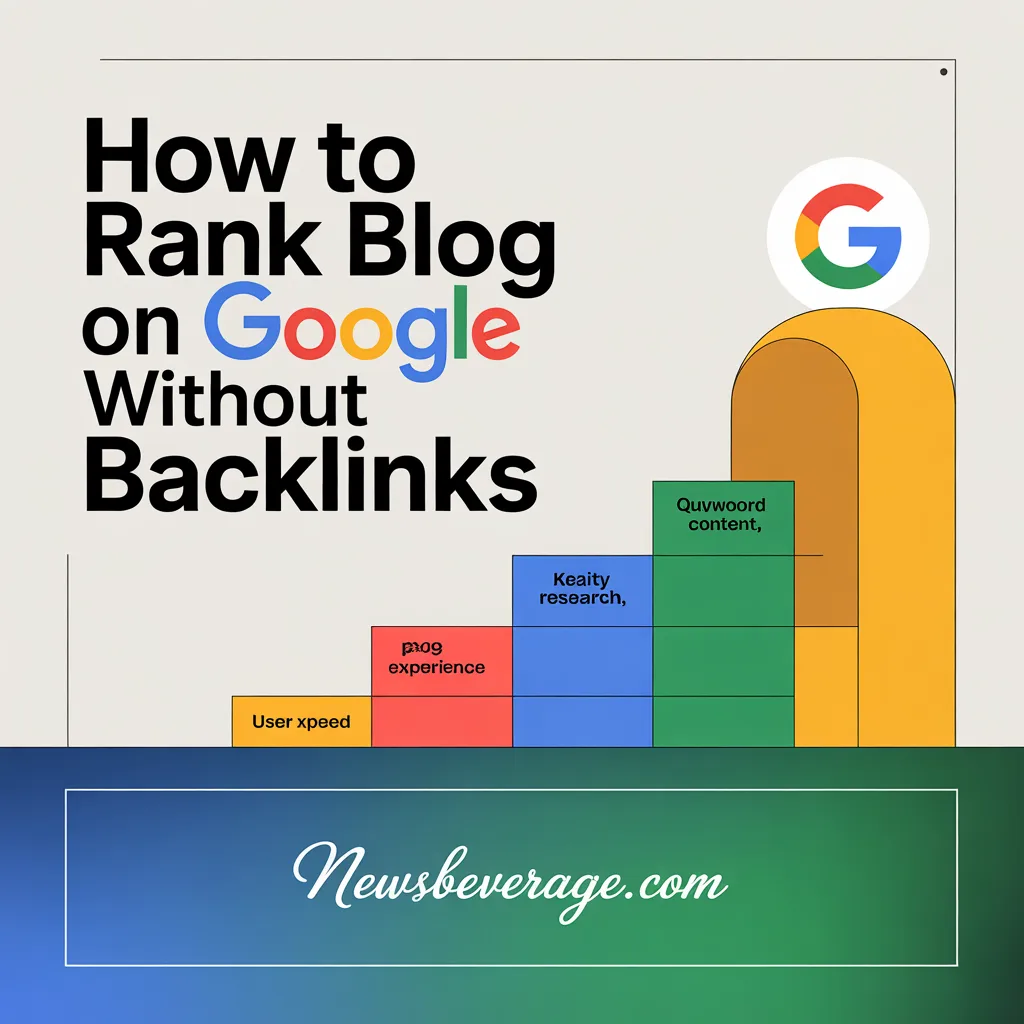
Google also looks at content relevance, user experience, page speed, and how well your content matches what searchers actually want. When you optimize for all of those factors, you do not always need backlinks to compete.
This is especially true for:
- Low competition keywords
- Long-tail search queries
- Niche topics with little existing content
- Local or hyper-specific searches
If you target the right keywords and create genuinely helpful content, Google will rank you. Full stop.
Step 1: Find Low Competition Keywords You Can Actually Win
This is the foundation of everything. If you target keywords that massive sites are already dominating, you will struggle no matter how good your content is.
Go After Long-Tail Keywords
Long-tail keywords are search phrases with three or more words. They have lower search volume, but they also have much lower competition. That makes them ideal for newer blogs.
For example, instead of targeting “SEO tips,” go for “SEO tips for food bloggers in 2025.” The second one has less competition. You have a real chance of ranking for it.
Use Free Tools to Find Easy Keywords
You do not need a paid SEO tool to start. These free resources work well:
- Google Search Console for seeing what you already rank for
- Ubersuggest for keyword ideas and difficulty scores
- AnswerThePublic for question-based keyword research
- Google’s “People Also Ask” section for real user questions
- Google Autocomplete for long-tail variations
Look for keywords with a difficulty score under 30 if you are using any SEO tool. Those are the ones where you can compete without backlinks.
Focus on Informational Intent
When you are building a blog without backlinks, informational keywords are your best friend. These are searches where people want to learn something. Google loves well-written, thorough answers to informational queries. You do not need authority links to rank for “how to make sourdough bread at home” if your article is better than everything else out there.
Step 2: Match Your Content to Search Intent
Google’s number one job is to give searchers exactly what they are looking for. If your content does not match search intent, it will not rank. Period.
The Four Types of Search Intent
Every search query falls into one of these categories:
- Informational – The user wants to learn (e.g., “how does SEO work”)
- Navigational – The user wants to find a specific site (e.g., “Ahrefs login”)
- Commercial – The user is comparing options (e.g., “best email marketing tools”)
- Transactional – The user wants to buy something (e.g., “buy SEO course online”)
For most bloggers without backlinks, informational and commercial intent keywords are the sweet spot. Write content that directly answers what the searcher is looking for.
Study the SERP Before You Write
Before you write a single word, Google your target keyword and look at the top results. Ask yourself:
- Are these blog posts, product pages, or videos?
- How long are the top-ranking articles?
- What topics do they cover?
- What format do they use: lists, how-tos, or deep dives?
Your content needs to match the format and depth of what is already ranking. Then it needs to do it better.
Step 3: Write Content That Outperforms Everything Else
This is the part most bloggers skip. They write average content and wonder why they do not rank. If you want to rank without backlinks, your content has to be the best result on the page.
Cover the Topic Thoroughly
Do not just scratch the surface. Go deep. If the top-ranking article covers 8 subtopics, cover 10. Add examples, statistics, step-by-step instructions, and answers to common follow-up questions.
According to a Backlinko study, the average first-page Google result contains 1,447 words. But word count alone is not the goal. Thoroughness is. Write as much as the topic genuinely needs. No fluff.
Use Semantically Related Keywords
Google does not just look at your main keyword. It reads your entire article for context. This is called semantic SEO.
Include related terms, synonyms, and phrases that naturally belong in a well-written article on your topic. For example, if you are writing about “how to start a podcast,” you should also naturally mention: microphone, recording software, episode length, RSS feed, and distribution platforms.
Tools like Google’s “Related Searches” and the “People Also Ask” box are great for finding semantic keywords. You can also use free tools like WordHero or Surfer SEO’s free outline generator.
Answer Questions Directly
A lot of searches are questions. Google often pulls answers into featured snippets. If you answer questions clearly and concisely in your article, you have a chance at that snippet even without strong backlinks.
Format your answers like this:
- Ask the question as a subheading
- Answer it directly in the first one or two sentences below the heading
- Then expand with more detail
This works incredibly well for featured snippet optimization.
Step 4: Use On-Page SEO Like a Pro
On-page SEO is everything you control within your article. It is one of the most powerful tools you have when you are trying to rank a blog on Google without backlinks.
Optimize Your Title Tag
Your title tag is the blue link Google shows in search results. It needs to:
- Include your primary keyword near the beginning
- Be under 60 characters
- Be compelling enough to earn a click
Bad title: “SEO for Beginners” Better title: “SEO for Beginners: 10 Simple Steps That Actually Work”
Write a Click-Worthy Meta Description
Your meta description does not directly affect rankings. But it does affect your click-through rate. A higher CTR tells Google your result is relevant. That can boost your rankings indirectly.
Keep it between 120 and 160 characters. Include your keyword. Make it feel like a teaser, not a summary.
Use Proper Header Structure (H1, H2, H3)
Your header structure helps Google understand your content. Use one H1 tag for your title. Use H2s for major sections. Use H3s for subtopics within those sections.
Always include your primary or secondary keywords in your H2s where it feels natural. Do not force it. Google is smart enough to recognize keyword stuffing.
Optimize Your URL Slug
Keep your URL short and keyword-focused. Remove stop words like “a,” “the,” and “is.”
Bad: yourblog.com/how-to-rank-your-blog-post-on-the-first-page-of-google Better: yourblog.com/rank-blog-google-without-backlinks
Add Internal Links
Internal links help Google crawl your site and understand how your content is connected. They also keep readers on your site longer, which improves your dwell time signal.
Every new article you publish should link to two or three other relevant articles on your blog. And go back and add links from older posts to your newest content.
Optimize Your Images
Every image should have a descriptive alt text that includes a relevant keyword. Compress your images before uploading. Large image files slow down your page, and page speed is a confirmed Google ranking factor.
Use tools like TinyPNG or ShortPixel to compress images without losing quality.
Step 5: Build Topical Authority Instead of Chasing Backlinks
Topical authority is when Google sees your blog as the go-to resource on a specific subject. It is one of the most powerful SEO strategies available. And it does not require a single backlink.
Create Topic Clusters
A topic cluster is a group of related articles that all link back to one central “pillar” article. The pillar covers a broad topic. The cluster articles each cover a specific subtopic in detail.
For example, if your blog is about personal finance, your pillar might be “The Complete Guide to Budgeting.” Your cluster articles might cover: zero-based budgeting, budgeting apps, budgeting for couples, and how to budget on a low income.
This structure tells Google: “This blog is a serious authority on personal finance.” And it helps all your cluster articles rank better together.
Publish Consistently
Google rewards active sites. When you publish quality content consistently, Google crawls your site more often. That means your new articles get indexed faster.
You do not need to publish every day. Even one to two well-researched articles per week builds strong momentum over time.
Step 6: Improve User Experience and Technical SEO
Even the best content will not rank if your blog has technical problems. Google wants to send users to sites that are fast, clean, and easy to use.
Speed Up Your Site
Page speed matters more than ever. Google uses Core Web Vitals as a ranking signal. These are real-world performance metrics that measure how fast your site loads, how stable it is, and how quickly it responds to user input.
Use Google PageSpeed Insights to test your site. Common fixes include:
- Using a fast, lightweight WordPress theme
- Installing a caching plugin like WP Rocket or W3 Total Cache
- Using a content delivery network (CDN)
- Compressing and lazy-loading images
Make It Mobile-Friendly
Over 60% of all Google searches happen on mobile devices. If your blog is hard to read on a phone, Google will push it down in rankings. Use a responsive theme and test your site with Google’s Mobile-Friendly Test tool.
Fix Broken Links and Crawl Errors
Broken links and crawl errors hurt your SEO. Use Google Search Console regularly to find and fix them. A clean, crawlable site gives Google a better experience when it visits your blog, which helps your rankings.
Step 7: Leverage Google Search Console and Update Old Content
Most bloggers ignore their existing content. That is a huge missed opportunity.
Use Google Search Console to Find Quick Wins
Log into Google Search Console and look at the Performance report. Find pages that rank on page two (positions 11 to 20). These are your “almost there” articles. They just need a small boost.
Update those articles with:
- More comprehensive information
- Better formatting
- Updated statistics or facts
- New internal links
- Stronger keyword optimization
In my experience, refreshing an old article can move it from position 15 to position 5 in just a few weeks. That is free traffic you are leaving on the table otherwise.
Track Your Rankings and Adjust
SEO is not a one-time task. Monitor your rankings monthly. If something is not working, ask why. Is the content thin? Is the keyword too competitive? Is the page slow? Fix the problem and update the article.
Conclusion
Here is the bottom line: you do not need backlinks to rank your blog on Google, especially when you are starting out. What you need is a clear strategy.
Focus on low competition keywords. Match your content to search intent. Write articles that are genuinely better than what is already ranking. Nail your on-page SEO. Build topical authority through content clusters. And keep improving your existing content over time.
Backlinks can help you scale later. But right now, the real opportunity is in the areas most bloggers ignore: keyword research, content quality, and on-page optimization.
Start with one article. Do everything in this guide. Then repeat. Over time, the results will compound, and you will build a blog that ranks without relying on anyone else to link to you.
Which step are you going to tackle first? Drop your answer in the comments or share this with a blogger who needs to hear it.
Frequently Asked Questions
1. Can I really rank on Google without any backlinks? Yes. Many blogs rank on page one without a single backlink. It works best for low competition keywords, long-tail searches, and niche topics where topical authority matters more than link quantity.
2. How long does it take to rank without backlinks? It depends on your keyword difficulty and content quality. For low competition keywords, you can see results in four to twelve weeks. For more competitive terms, it may take six months or longer.
3. What is the most important factor for ranking without backlinks? Search intent matching and content quality. If your article directly answers what the searcher wants better than anyone else does, Google will reward it.
4. Does publishing more content help me rank faster? Yes. Publishing consistently builds topical authority and gives Google more reasons to crawl your site. Aim for one to two high-quality articles per week.
5. How many words should my blog post be to rank on Google? There is no magic number. Write as many words as the topic genuinely needs. Most competitive queries are covered well in 1,500 to 2,500 words. Focus on thoroughness, not word count.
6. What are the best free SEO tools for bloggers without a budget? Google Search Console, Google Analytics, Ubersuggest (free tier), AnswerThePublic, and the Google SERP itself are all powerful and completely free.
7. Is internal linking really that important? Absolutely. Internal links help Google understand your site structure and pass authority between pages. They also keep readers on your site longer, which is a positive engagement signal.
8. Should I still try to get backlinks even if I follow this guide? Yes, but do not obsess over it early on. Focus on content quality first. As your blog grows and your content gets shared, backlinks will start coming naturally.
9. What is topical authority and why does it matter? Topical authority is when Google recognizes your site as a reliable expert on a specific subject. You build it by covering a topic comprehensively across multiple related articles. It is one of the best ways to rank without relying on backlinks.
10. Can I rank a new blog in a competitive niche without backlinks? It is harder in very competitive niches, but still possible. The key is to find specific subtopics and long-tail keywords within that niche where competition is lower, and build from there.
Article Metadata
Category: SEO and Blogging
Tags: , , , keyword research, on-page SEO, content strategy, topical authority, long-tail keywords, blog traffic, search engine optimization
Author Bio: Johan Harwen is a content strategist and SEO blogger with over seven years of experience helping small business owners and new bloggers grow their organic traffic. She specializes in no-fluff, actionable SEO advice that works even without a big budget or a major domain authority. When she is not writing, she is testing new content strategies on her own niche blogs.
Also read newsbeverage.com
Email : johanharwen314@gmail.com
Author Name : Johan Harwen